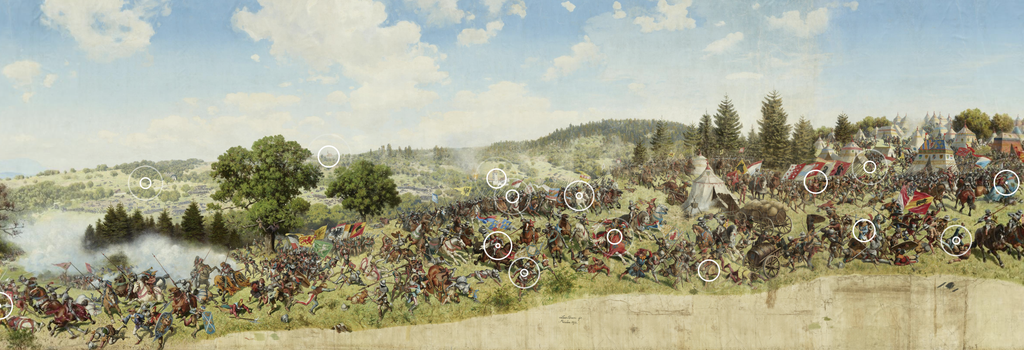
The Terapixel Panorama of the Battle of Murten is a riveting digital humanities project developed by the EPFL Laboratory for Experimental Museology. While the nineteenth century work has been inaccessible to the public, the project aimed to bring the work to light through a “digital twin.”
The project makes contributions to multiple fields. While it allows for direct studies of its content by art historians and historians, it also serves as a methodological example of what can be done in the digital realm for conservationists and curators.
Sources
The project focuses on the Panorama of the Battle of Murten, a 10m x 100m painting created by Louis Braun in 1893-1894. The work depicts a large-scale battle between Swiss Confederates and Duchy of Burgundy in 1476. The integrated interpretive tours in the project draw on a variety of scholarly works as well as primary artistic/textual sources. Terapixel directors are in the process of rolling out a scholarly platform which provides access to these documents.
Processes
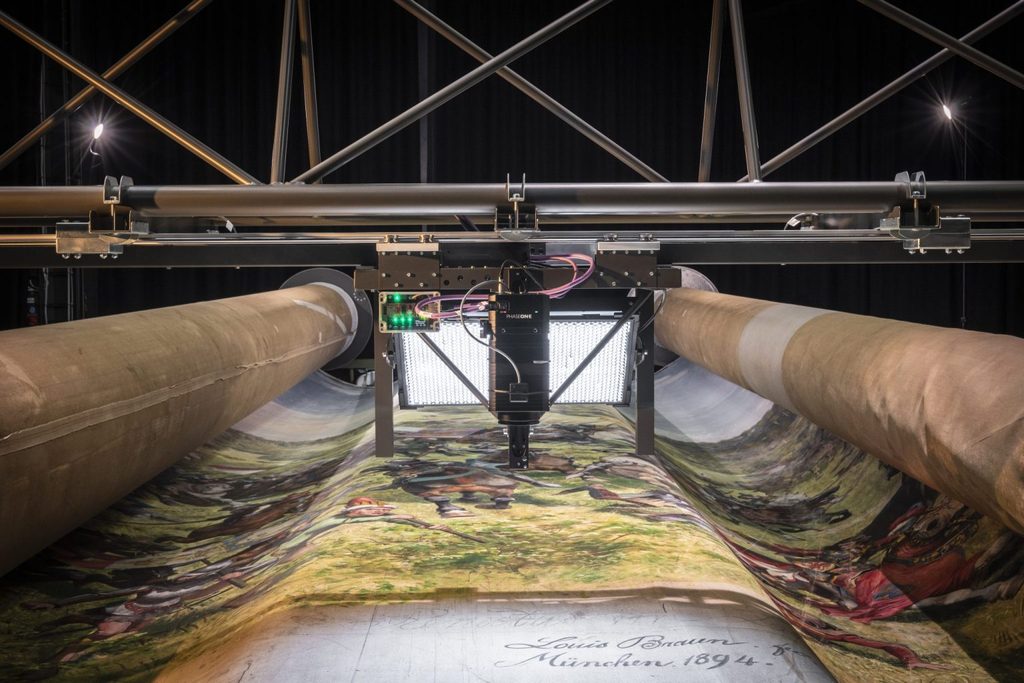
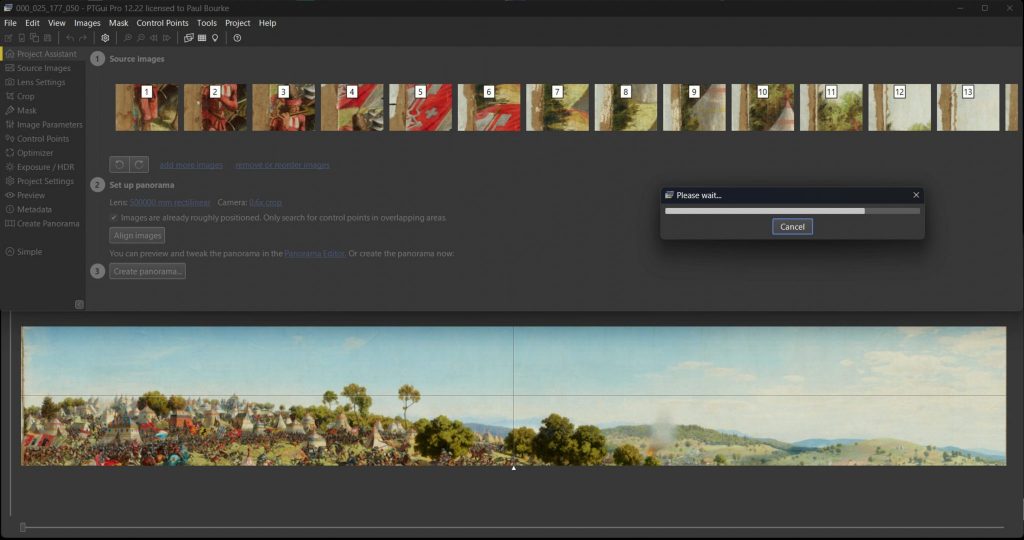
To scan such a large piece of artwork, researchers engaged in a multi-stage process. After restoration and two test scans, the final scan used an iXH 150-megapixel camera with a 72mm lens mounted on a custom rig. Moving along a vertical path, each photo overlapped slightly with the subsequent image. This made it possible to stitch the images together using PTGui Pro. Paul Bourke, who managed this process, provides more insight here. Once scanned, the image was processed to display it as a panorama. In total, the project utilized 27,000 images to create a 1.6 terapixel image.
Display
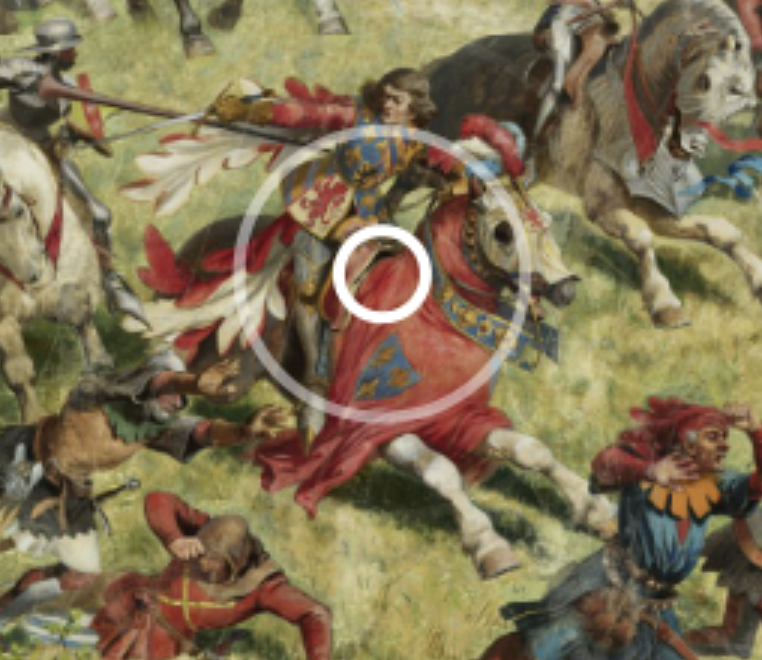
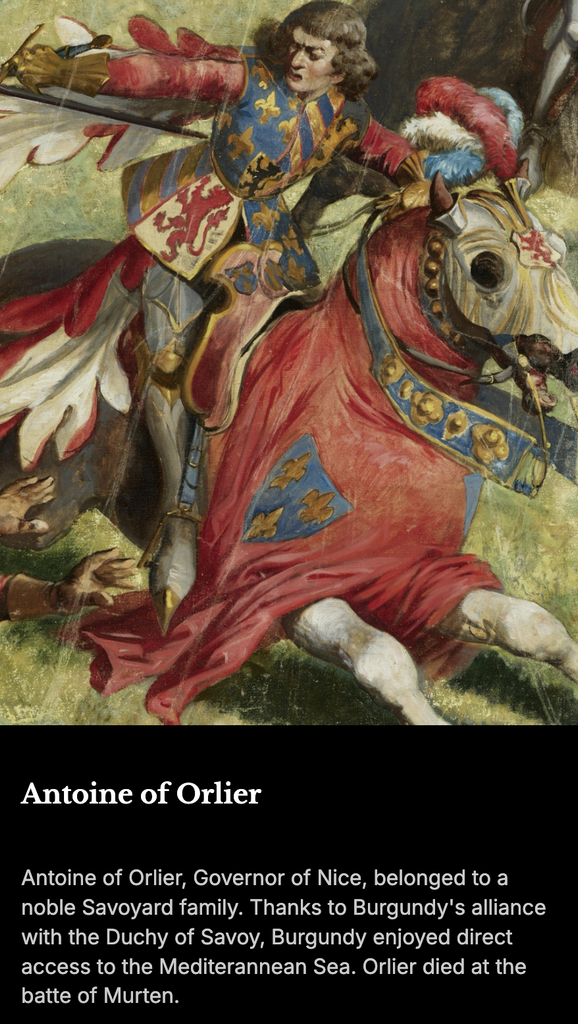
The Terapixel project has created a user interface which makes it possible to interact with the panorma in multiple ways. While the user can pan around, you can also click on floating points to learn more about a specific person, object, or action in the scene. Battlefield audio is integrated to immerse the viewer. Additionally, you can take guided, interpretive audio tours which move the viewer through the scene automatically.
Further Questions
While reading, I was curious how they went about storing a file this size while making it easily accessible on the web. What configuration makes it possible for users to load such a large file easily?
Good content. I appreciated your layout, the content feels nicely segmented and the images are well placed. When visiting the website on Tuesday, I was curious how they managed to seamlessly stitch together a single huge image together; I didn’t realize that these were actually 27,000 images stitched together (even more impressive)! As for your question at the end, I wonder if they use some sort of chunking process to load only the important parts of the image first? Like how Google Maps will only load a certain resolution of detail until you zoom in.