For this exercise, I decided to model my Nintendo Switch. I found the process challenging at first, but as I became more familiar with Fusion 360 and practiced using the different tools, it became easier. That being said, I think mastering 3D modeling would take a significant amount of time and practice. There are so many different tools and techniques that it can be difficult to know which one is best for a particular task.
One thing that particularly bogged me down was not having a mouse. I was using a trackpad, which made navigating around the 3D model and selecting different areas more difficult than it probably would have been with a mouse. I also had to make some compromises with my model. For example, I made the controllers different colors than the ones on my actual Nintendo Switch. This made the modeling process a little easier, but it also gave me an opportunity to experiment with coloring objects in Fusion 360, which was a new skill for me.
Beyond creating objects, I can see a lot of potential for 3D modeling in the humanities. It could be used to recreate historical objects, buildings, artifacts, or even entire environments that people can explore digitally. This could be especially useful for teaching because students could interact with something in three dimensions rather than just looking at a picture or reading a description. Researchers could also use 3D models to preserve and study objects that are fragile, damaged, or no longer physically accessible. Overall, I think 3D modeling provides a way to combine traditional humanities research with modern technology and make historical and cultural knowledge more interactive and accessible.
One tip I would give to another beginner using Fusion 360 is to spend some time practicing with the basic tools before trying to create something complicated. I found that the more I experimented with the program, the more comfortable I became with navigating and understanding how the different tools worked. I also wish I had used a mouse from the beginning because navigating the model with a trackpad made things more difficult than they needed to be.
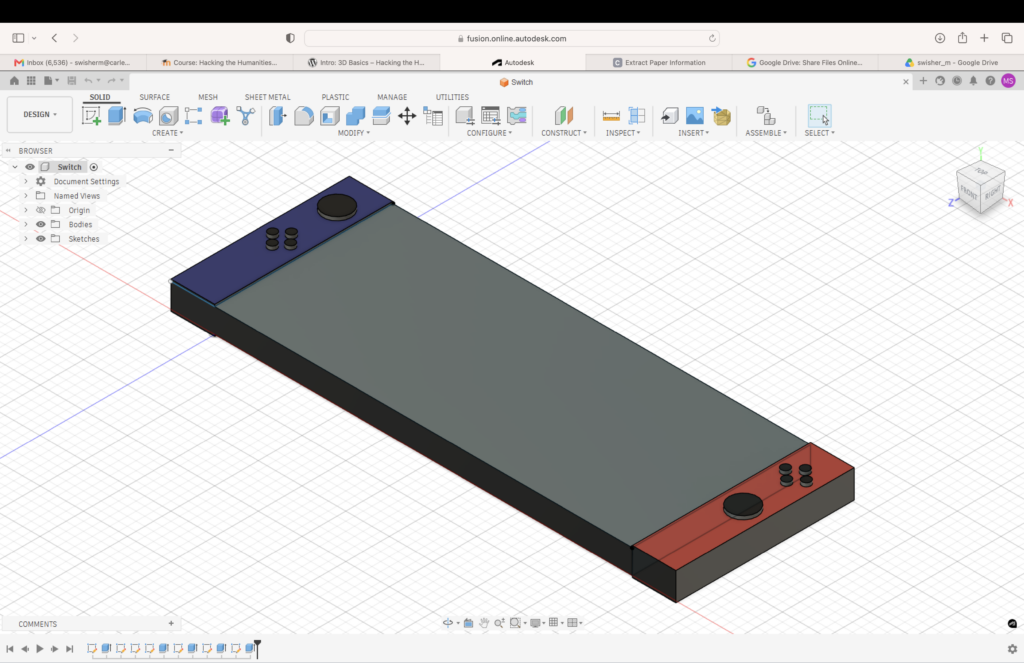
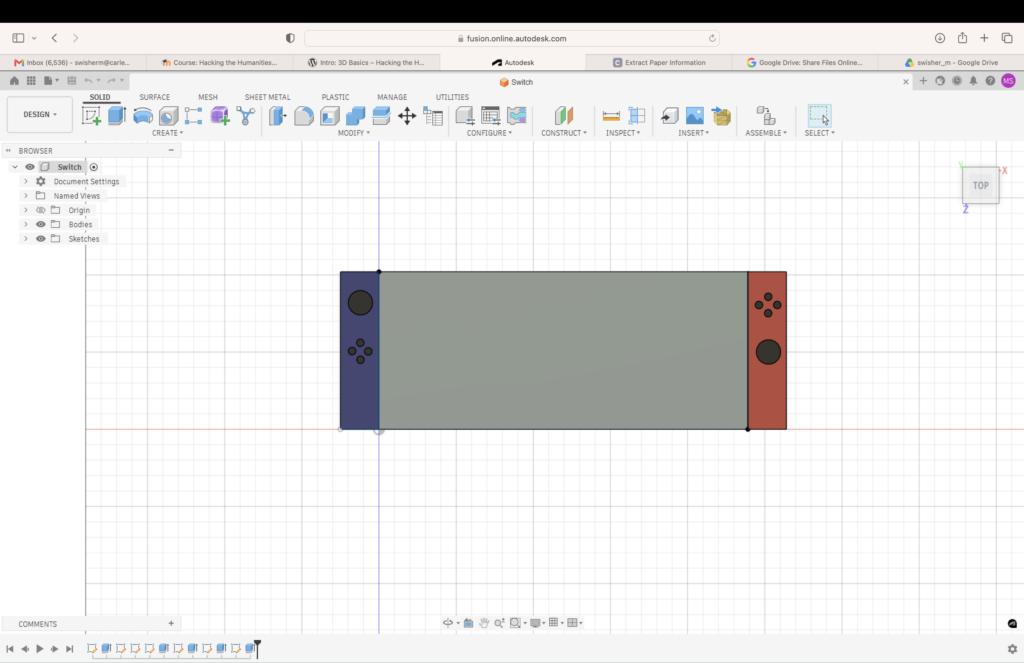
I love how your model of your Nintendo Switch turned out! I have a Nintendo Switch as well, and I think that’s a really fun object choice. I admire the buttons that you created on the Joy-Cons. I also struggled with using a trackpad, but when I eventually switched to using a mouse I found it was much easier to select areas. I agree that 3D modeling has a lot of potential to be useful in the humanities.
This model is very nice! I like how you added details like the individual buttons and assigned colors to both sides of the device. I agree that it is difficult to use on trackpad, but changing some of the mouse settings can help.