I actually found the process of modeling this reel to be surprisingly easy, considering the only prior experience I have with Autodesk was in elementary school. Once I got the hang of the flow of the software, meaning figuring out what tools accomplish what, and where they are located, I actually found the process to be pretty fun and relaxing. However, I did have to ask the AI helper where some of the features were located, which was frustrating because it interrupted my train of thought. Upon reflection, I think a large part of the reason the process was relatively easy (considering this was my first time seriously modeling something) was due to the fact that the object being modeled is very geometric, so I could use basic geometric modeling tools to accomplish almost all of the shapes I needed to draw. I also obviously did not need to ensure that parts would actually work, or be perfectly 1:1 scale in relation to my reference images, which surely helped.
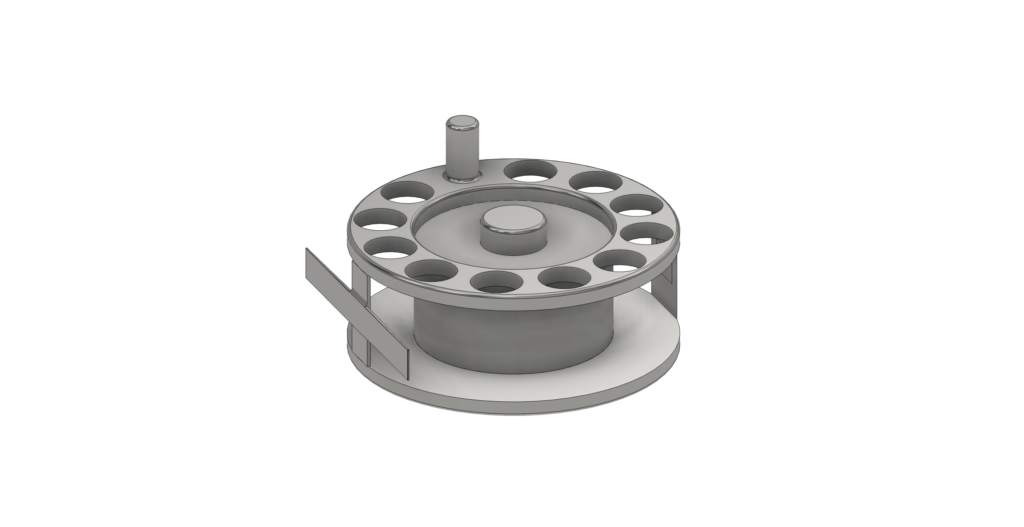
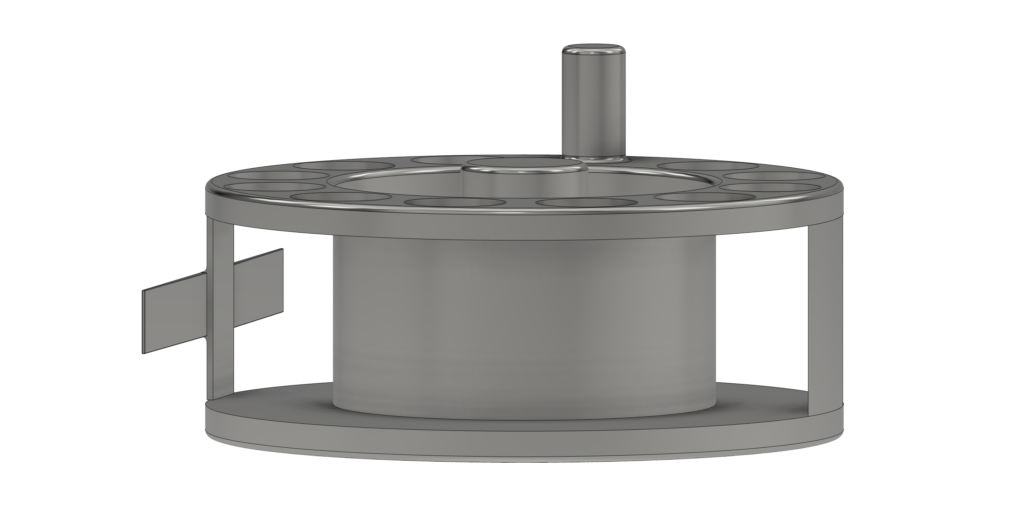
While I found the overall process to be surprisingly easy, there were certainly elements that bogged me down and were frustrating. The first of these is that it is not at all immediately apparent to locate and institute the most important functions in Autodesk. Navigating through the tool bar is not at all intuitive, and even after finding out how to manually locate actions such as draw or intrude I still have no idea what their respective keyboard shortcuts are, as these are not at all made apparent. Additionally, it was a real pain to draw and extrude the bars that connect the two discs of the reel, as I needed to carefully orient the reel using the orbit function and make sure that I was drawing on the right face, which would sometimes be abruptly obstructed from my view when I selected it using the draw tool as the reel whipped around to face a certain direction.
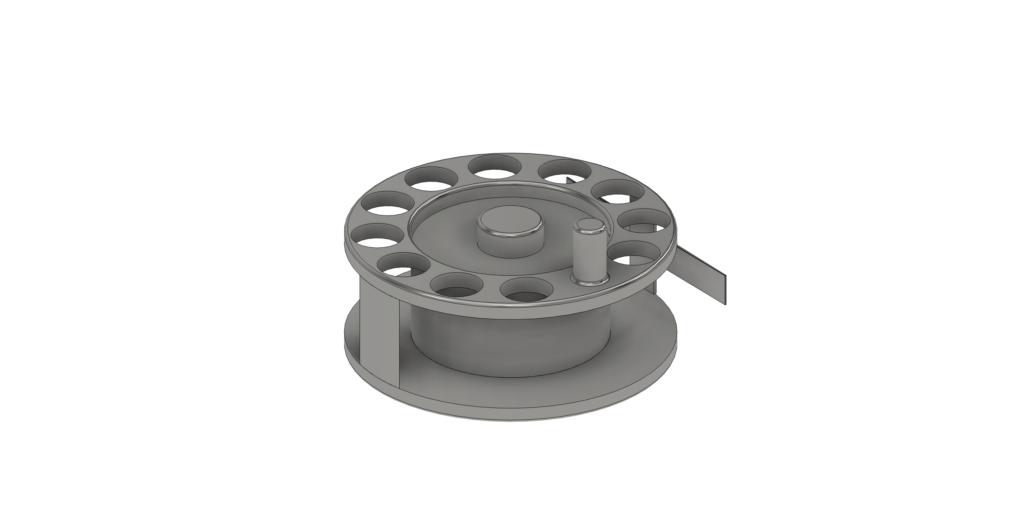
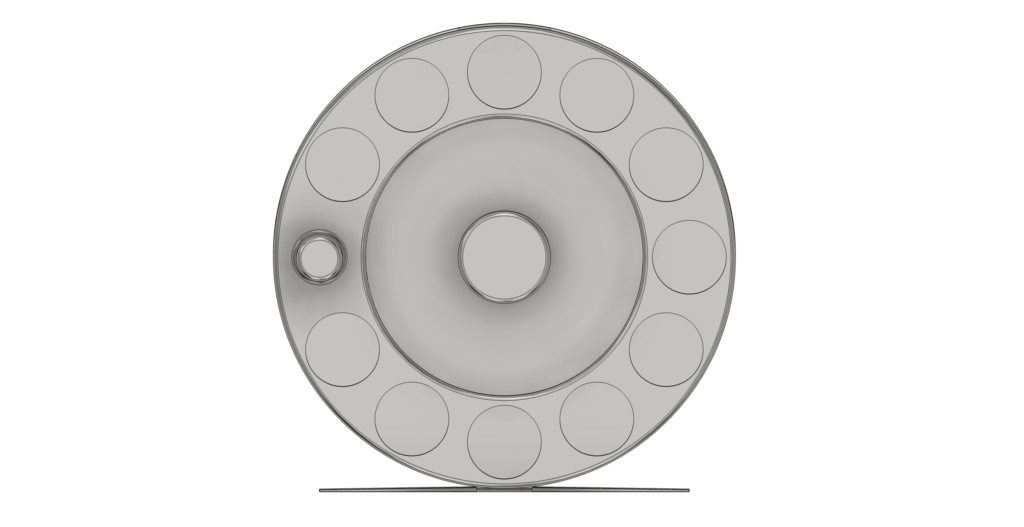
As a product of these frustrating difficulties, I definitely had to make a few compromises. While the center of the spool on a fly fishing reel is usually hollow, I could not for the life of me figure out how to hollow out the center cylinder that I had extruded without the top being removed, so I had no choice but to leave it solid. Additionally, the top and bottom of the center of the spool are often made up of lightweight, complex shapes (often looking similar to propeller rotors) that are usually curvy and irregular. I could not figure out how to use the draw tool to make fluid lines that were consistently congruent and proportional to other fluid shapes around the central point of the disk using the draw tool on a square grid, so I had to abandon this aspiration in favor of leaving the center of the spool as a solid circle. I also wanted to groove the shallow cylinder that protrudes on the handle side of the reel (as this is the drag disc which affects how easily line can be pulled off of the reel and is turned often) but I could not figure out how to do this.
I believe that 3D modeling can be incredibly useful to humanistic studies. More specifically, I imagine that it could be used to ensure that physical objects held in museum type collections are available to anyone for in-depth study. While institutions often post photos of items online that are free to view, photos are not an equivalent substitute for the experience of being able to carefully observe every angle of an object or art piece that is physically in front of oneself. Through carefully rendering objects in a digital 3D environment, anyone would be able to carefully study every angle of them at their own pace, in minute detail. I imagine that this could be extended to entire structures or other physical environments that one would then be able to explore from a personal device. Finally, museums and physical locations are not always open or accessible, but 3D modeled objects and locations are always available online.
I do also have a pro tip for other novice Fusion 360 users, but it is a bit of a warning, which is as follows: if you ask the AI assistant to execute a function for you that you cannot find, it will do it. Do not let this feature become a crutch, and instead perhaps ask it where a function can be found, and not to do it for you and replace your knowledge of the software.
I like the amount of detail you put into this model! I also found the toolbar very unintuitive and sometimes it would freeze up while trying to change tools. I agree that 3D models make research more accessible.
Great model, Luke! I completely agree with your assessment of the role that 3D modeling can play in humanistic studies. I was thinking similarly that museums could use these approaches to make objects that would otherwise be tucked away in collections, accessible to the public, and do so in a way that broadens access beyond professional researchers.
I totally sympathize with your struggle to make things hollow. I think the only way to make things hollow, with both a top and bottom (from my limited experience), would be to draw and extrude another shape to be a cap. I also found the orbit tool to be unwieldy as well, and I ended up using the cube in the upper right corner to navigate around my designs.